
 When you share your blogger blog posts on Facebook profile, page or group, it shows a thumbnail image along with a short description of the article. But sometimes Facebook grabs the incorrect thumbnail image and description taking anywhere from your blog post or page. This is totally irritating, and I had got many queries regarding this via tweets, on FB page and via email. I have a solution for this issue. You can easily solve this problem by adding a little piece of code in your blogger template. Let's start the tutorial: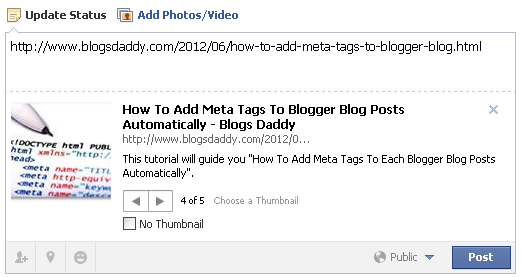
Today, In this article we will show you how to fix wrong thumbnail image on sharing blogger posts to Facebook
How to Fix This Issue
- Go to Blogger Dashboard » Your Site » Template
- Click On Edit HTML » Find <head> Tag
- Past The Given Below Code Just After The <head>
<meta content='article' property='og:type'/><meta expr:content='data:blog.postImageThumbnailUrl' property='og:image'/><meta expr:content='data:blog.title' property='og:site_name'/><meta expr:content='data:blog.pageName' property='og:title'/><b:if cond='data:blog.metaDescription != ""'><meta expr:content='data:blog.metaDescription' name='description'/></b:if>
- Now Click on Save Button & Its All Done.
You May Like To Read:
Things To Do After Installing The Above Code
These are some of the basic blogger tips and tricks which would help in how we should insert image in right manner inside the blogger post.- Always use the PNG format for main thumbnail image.
- Use proper title and alt tag for your blogger images.
- Do not resize your blog post images with HTML tags.
- For more tips visit the below post.
I hope this tutorial helped you to fix the above issue. I share this tutorial because I thought this is common problem for every blog. Please give your feedback by leave your comments below. God Bless!


I have problem with thumbnail pic for autopost in my fanpage..
ReplyDeleteFollow the above steps. It will solve your problem..!!
Delete